6 Best Note-Taking Apps in 2026: Free & Paid Picks
Notion, Obsidian, OneNote, Apple Notes, Google Keep and Evernote compared on price, free plans, features and privacy, with a pick for every user.

On this page
The best note-taking app is the one you actually open every day. Some people need a quick place to jot ideas, others want a full "second brain" or a shared workspace for their team. The good news: most of the best options in 2026 are free or have generous free plans.
We compared the six most popular note-taking apps on price, free-plan limits, features, collaboration and privacy, using each vendor's official pricing page and recent independent comparisons (sources at the end). Prices were checked in October 2026.
Our picks at a glance
Best overall: Notion · Best for privacy & knowledge bases: Obsidian · Best free app: Microsoft OneNote · Best for Apple users: Apple Notes · Best for quick notes: Google Keep · Best web clipper: Evernote
Quick comparison
| App | Free plan | Paid from | Platforms | Offline | Best for |
|---|---|---|---|---|---|
| 1. NotionTop pick | Yes | $10/member/mo | Web, Windows, Mac, iOS, Android | Limited | All-in-one workspace |
| 2. Obsidian | Yes | Sync $4/mo (optional) | Windows, Mac, Linux, iOS, Android | Yes | Privacy, linked notes |
| 3. OneNote | Yes | Free (Copilot via Microsoft 365) | Web, Windows, Mac, iOS, Android | Yes | Free notebooks, students |
| 4. Apple Notes | Yes | Free (iCloud storage extra) | iPhone, iPad, Mac, web | Yes | Apple users |
| 5. Google Keep | Yes | Free (Google storage) | Web, Android, iOS | Limited | Quick capture |
| 6. Evernote | 50 notes | Starter ≈ $99/yr | Web, Windows, Mac, iOS, Android | Paid plans | Web clipping, scanning |
How we chose
- We focused on the note apps people search for and use most, covering free, paid, personal and team use.
- Each app was compared on free-plan limits, pricing, organisation features (folders, links, databases, tags), collaboration, offline access and privacy.
- Facts come from official pricing pages; rankings are our editorial judgement based on that research and independent reviews. See our review process.
1. Notion: best overall
Notion
Best overallNotion is less a notes app and more a flexible workspace. You can start with a simple page and grow into databases, project boards and shared team wikis.
- Notes, wikis, databases, tasks and calendars in one app
- Excellent real-time collaboration
- Free plan is generous for individuals
- Full Notion Agent and AI Meeting Notes on Business
- Can feel slow and complex for quick notes
- Full AI features need the $20 Business plan
- Limited offline support
The Free plan covers most personal use (with 5 MB file uploads and 7-day page history). Plus ($10/member/month) adds unlimited uploads and 30-day history. Business ($20/member/month) is where the full Notion Agent, AI Meeting Notes and Enterprise Search are included; on Free and Plus, AI is a trial. Yearly billing saves up to 20%.
2. Obsidian: best for privacy and personal knowledge
Obsidian
Best for privacyObsidian stores everything as local Markdown files, so your notes stay yours and work offline. Linking notes together turns it into a powerful "second brain".
- Free with no limits, including for commercial use
- Notes are plain Markdown files stored on your device
- Backlinks, graph view and thousands of plugins
- End-to-end encrypted Sync
- Takes time to set up your own system
- Syncing between devices costs extra (or needs your own setup)
- Real-time collaboration is limited
The app itself is free for personal and commercial use. Optional add-ons are Sync ($4/user/month yearly or $5 monthly) and Publish ($8/site/month yearly or $10 monthly). Companies are encouraged, but not required, to buy a $50/user/year commercial licence.
3. Microsoft OneNote: best free app
Microsoft OneNote
Best freeOneNote is the most capable completely free note app. Its notebook-style layout and pen support make it especially popular with students and tablet users.
- Completely free on every major platform
- Freeform canvas for typing, drawing and handwriting
- Notebook, section and page structure is easy to understand
- Works well with Microsoft 365 and Teams
- Search and organisation feel dated next to Notion
- Copilot AI features need a paid Microsoft 365 plan
- Sync can be slow with large notebooks
4. Apple Notes: best for Apple users
Apple Notes
Best for Apple usersFor many Apple users, the built-in Notes app is all they need: fast, free and integrated with Siri, Shortcuts and the share sheet.
- Already installed and syncs instantly via iCloud
- Great document scanning, checklists and Apple Pencil support
- Folders, tags and smart folders for organisation
- Only fully usable on Apple devices (web app is basic)
- Limited formatting and no databases
- Sharing with non-Apple users is awkward
5. Google Keep: best for quick notes
Google Keep
Best for quick captureKeep is a sticky-note board in your pocket. It is perfect alongside a "deeper" app such as Notion or Obsidian.
- Fastest way to capture a note, list or voice memo
- Colour-coded sticky-note layout and reminders
- Integrates with Google Docs and Android
- Not designed for long documents
- Basic organisation (labels only)
6. Evernote: best web clipper
Evernote
Evernote pioneered note-taking apps and still has excellent capture tools, but its free plan is now very limited and paid plans cost more than most alternatives.
- Best-in-class web clipper and document scanning
- Powerful search, including text inside images and PDFs
- AI search, transcription and editing on paid plans
- Free plan is limited to 50 notes, 1 notebook and 1 device
- More expensive than most rivals
- Prices vary while new plans roll out
Evernote's plans are Free, Starter (1,000 notes, 3 devices) and Advanced (unlimited notes and devices). Independent sources put Starter at about $99/year and Advanced at about $250/year, but Evernote is rolling out new plans gradually, so check the price shown in your account.
How to choose a note-taking app
Do you need collaboration?
If you share notes with classmates or a team, Notion is the strongest choice. OneNote also handles shared notebooks well.
Do you care about owning your data?
Obsidian keeps notes as local files you can open in any text editor, and its paid Sync is end-to-end encrypted.
Use two apps, not one
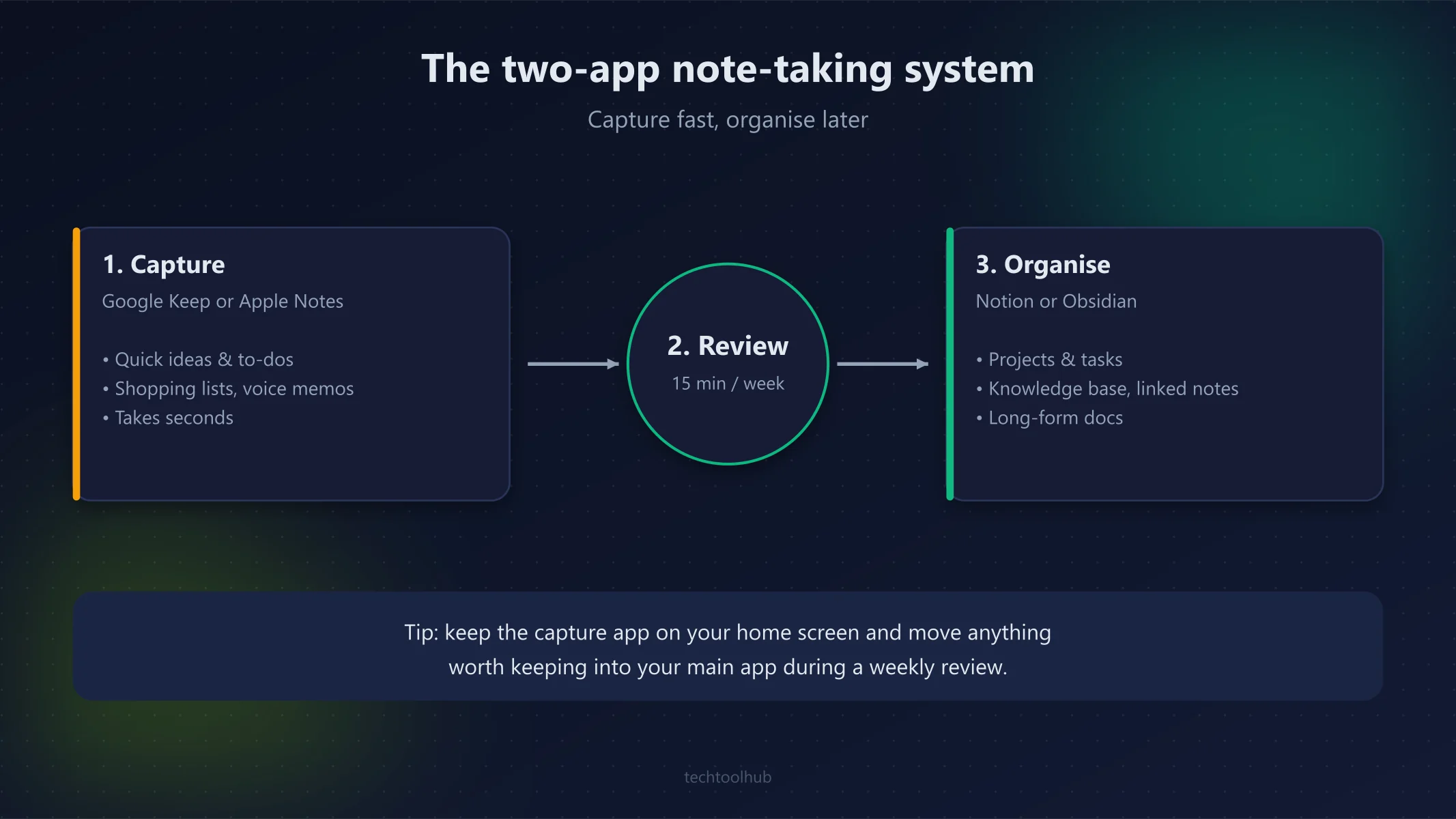
Many people pair a quick-capture app (Google Keep or Apple Notes) with a deep-work app (Notion or Obsidian). Capture fast, then organise later.
Using AI to summarise or draft your notes? See how ChatGPT, Claude and Gemini compare.
Final verdict
Our top pick
Excellent
Notion is the best note-taking app for most people in 2026 thanks to its flexibility and free plan. Choose Obsidian if privacy and linked notes matter most, and OneNote if you want a powerful app that is completely free.
Best for: Anyone who wants notes, docs and tasks in one place
FAQ
What is the best free note-taking app?
Microsoft OneNote is the most capable completely free option. Obsidian is also free (sync is optional), and Notion's free plan covers most personal use.
Is Notion or Obsidian better?
Notion is better for collaboration, databases and all-in-one workspaces. Obsidian is better for privacy, offline access and building a linked personal knowledge base with plain Markdown files.
Is Evernote still worth it in 2026?
Only if you rely on its web clipper, document scanning or search inside PDFs and images. For most people, Notion, Obsidian or OneNote offer more for less.
Which note-taking app is best for students?
OneNote (free, great for handwriting and class notebooks) and Notion (free plan, good for planning and group projects) are the two best picks for students.
Sources
- Notion pricing (Notion)
- Obsidian pricing (Obsidian)
- Evernote plans (Evernote)
- Evernote pricing plans & history (PricingSaaS)
- Best note-taking apps 2026 (Tech Insider)
- Best note-taking apps for iPad in 2026 (Fireflies)
How we test
We use every tool we review on real projects, compare it with its closest alternatives and update articles when pricing or features change. Read our review process.
Related articles
6 Best AI Coding Assistants in 2026, Compared
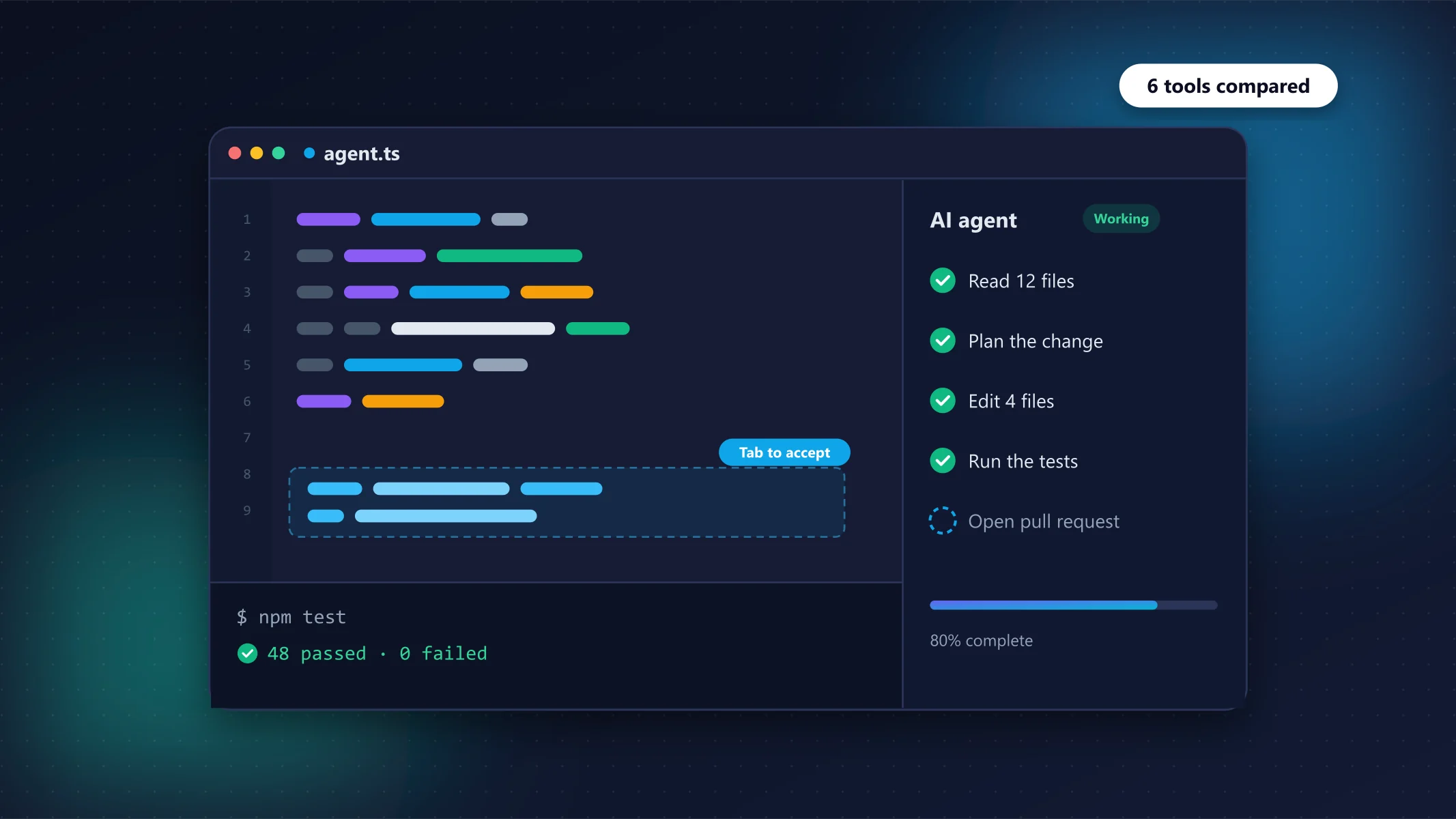
Claude Code and Codex are the strongest agents, Cursor is the best AI editor, and GitHub Copilot is the best value.