Is Windows 10 Still Supported? Free Security Updates Now Run to October 2027
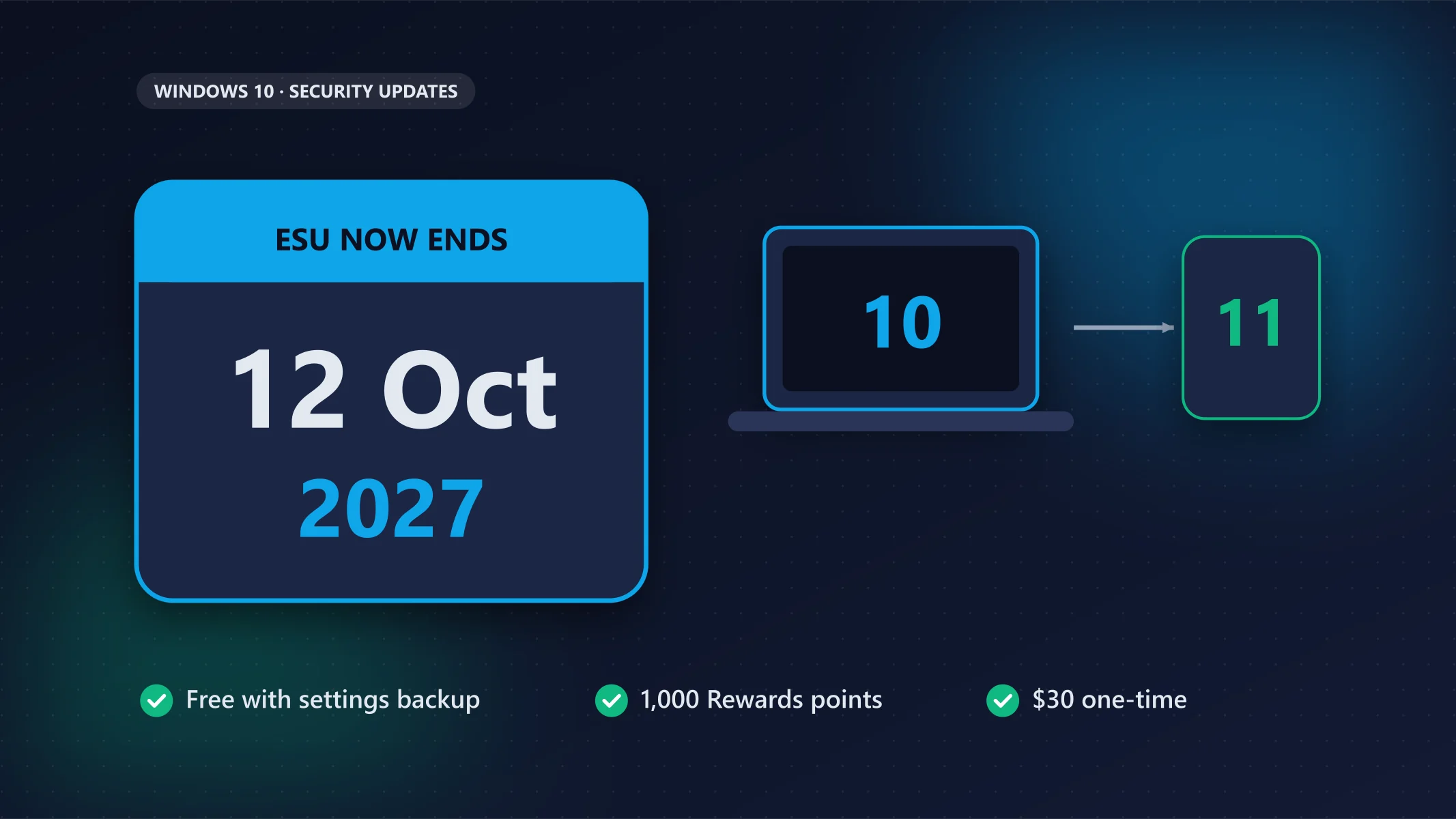
Microsoft quietly extended the free Windows 10 Extended Security Updates (ESU) programme to 12 October 2027. Who needs to do something, how to enrol for free, and what to do if your PC can’t run Windows 11.

On this page
Windows 10 officially reached the end of support on 14 October 2025. Since then, the only way to keep getting security fixes has been Microsoft's Extended Security Updates (ESU) programme. It was meant to last one year for home users. It doesn't any more: Microsoft has extended it to 12 October 2027.
The change appeared quietly in Microsoft's ESU documentation in June 2026, so plenty of people still think Windows 10 updates ended this October. Here is what actually applies now, what you need to do, and your options if your PC can't move to Windows 11. Everything comes from Microsoft's own pages, read on 10 November 2026.
The short version
Already enrolled in ESU? Nothing to do: your updates continue to 12 October 2027. Not enrolled? Your PC has had no security updates since October 2025. Enrol now in Settings > Update & Security > Windows Update. It is free if you back up your PC settings to your Microsoft account, or costs 1,000 Microsoft Rewards points or $30 once. On Windows 11 24H2 Home or Pro? That version stopped getting updates on 13 October 2026; install Windows 11 26H2.
What changed, and when
| Date | What happened |
|---|---|
| 14 October 2025 | Windows 10 reaches end of support. Only PCs enrolled in ESU keep getting security updates. |
| June 2026 | Microsoft's ESU page now says the consumer programme ends on 12 October 2027, a year later than first planned. |
| 13 October 2026 | The date the consumer programme was originally due to end. Enrolled PCs carry on automatically. |
| 13 October 2026 | Separately, Windows 11 24H2 Home and Pro editions get their last update. |
| 12 October 2027 | The consumer ESU programme ends. After this, Windows 10 home PCs get no more security updates. |
Microsoft's ESU page now says: "You can enroll in ESU any time until the program ends on October 12, 2027. If you're already enrolled, your coverage will automatically continue through that date—no action needed."
Do you need to do anything?
Yes, if your PC runs Windows 10 and isn't enrolled. Without ESU, a Windows 10 PC has received no security fixes since October 2025. Microsoft warns that devices "will be more vulnerable and susceptible to viruses and malware before enrollment". Once you enrol, your PC gets every critical and important security update released since Windows 10 support ended.
No, if you're already enrolled. Your coverage continues to 12 October 2027 by itself.
To check, open Settings > Update & Security > Windows Update. If you see an Enroll now link, your PC isn't enrolled yet.
How to enrol in Windows 10 ESU for free
Check that your PC qualifies
According to Microsoft, the consumer programme needs:
- Windows 10, version 22H2, in the Home, Pro, Pro Education or Workstations edition.
- The latest Windows update installed.
- The ESU Licensing Preparation Package (KB5126256). Windows Update installs it.
- A Microsoft account with administrator rights. If you sign in with a local account, you'll be asked to sign in with a Microsoft account to enrol. Child accounts can't enrol.
It is not for work-managed PCs. Devices joined to an Active Directory domain or Microsoft Entra, managed through mobile device management, or set up in kiosk mode have to use Microsoft's business ESU programme instead.
Pick one of the three ways to pay
| Option | Cost |
|---|---|
| Back up your PC settings | Free |
| Redeem Microsoft Rewards points | 1,000 points |
| One-time purchase | $30 (or local equivalent) plus tax |
All three cover you until 12 October 2027. One ESU licence works on up to 10 PCs signed in with the same Microsoft account.
Enrol
- Go to Settings > Update & Security > Windows Update.
- Select Enroll now.
- Sign in with your Microsoft account if asked.
- Choose an option. If you already back up your PC settings, you'll just see a prompt to enrol.
On your other PCs, use the same steps and select Add device.
What ESU doesn't do
ESU only delivers security updates that Microsoft rates critical or important. It doesn't bring new features, other bug fixes or technical support. Think of it as time to plan your next move, not a way to keep Windows 10 forever.
Should you move to Windows 11 instead?
If your PC can run it, yes: Windows 11 is free to upgrade to, and enrolling in ESU doesn't stop you from upgrading later.
Microsoft's minimum requirements include a 1 GHz or faster 64-bit processor with at least two cores on its compatible list, 4 GB of RAM, 64 GB of storage, and firmware support for TPM 2.0 and Secure Boot. Your PC must be on Windows 10 version 2004 or later to upgrade. The easiest check is Microsoft's PC Health Check app, which tells you whether your PC qualifies.
Already on Windows 11? Make sure you are on the current version. Windows 11 24H2 Home and Pro stopped getting updates on 13 October 2026. Microsoft recommends Windows 11 26H2, released in September 2026 and supported for home users until October 2029. It is rolling out in phases through Settings > Windows Update.
If your PC can't run Windows 11
Many older PCs fail Windows 11's processor or TPM checks. You have three realistic paths:
- Stay on Windows 10 with ESU until October 2027, and use that year to budget for a replacement.
- Buy a new or refurbished PC that runs Windows 11.
- Switch the old PC to another operating system, such as a Linux distribution or Google's ChromeOS Flex, if your work fits. If you switch, check that the apps you rely on are available. Free office suites such as LibreOffice and ONLYOFFICE run on Linux; see the best free Microsoft Office alternatives.
Whatever you choose, don't keep using an unenrolled Windows 10 PC online for banking, email or work. That is exactly the situation ESU exists to prevent.
FAQ
Is Windows 10 still supported in 2026?
Windows 10 itself reached end of support on 14 October 2025, but PCs enrolled in the Extended Security Updates programme keep getting security updates until 12 October 2027.
Is Windows 10 ESU free?
It can be. Microsoft offers it at no cost if you back up your PC settings to your Microsoft account. The other options are 1,000 Microsoft Rewards points or a one-time $30 purchase.
How long will Windows 10 get security updates?
For home users enrolled in ESU, until 12 October 2027. Microsoft hasn't said anything about the programme continuing beyond that date.
What happens if I don't enrol in ESU?
Your PC keeps working, but it gets no security fixes, so new vulnerabilities stay open. You can still enrol at any time until 12 October 2027, and you'll then receive the updates released since October 2025.
Can I still upgrade to Windows 11 after enrolling?
Yes. Microsoft says enrolling in ESU doesn't prevent an upgrade to Windows 11, as long as your PC meets the hardware requirements.
Does Windows 10 ESU work with a local account?
You need a Microsoft account with administrator rights to enrol. If you normally use a local account, Windows asks you to sign in with a Microsoft account during enrolment.
What I could not check
- Microsoft did not publish a press release for the extension; it appeared as an update to its ESU documentation. Microsoft hasn't explained why or said whether there could be another extension.
- I didn't check whether Microsoft Rewards and the $30 purchase are available in every country, or the local price outside the US.
- I didn't test enrolment on a PC for this article. The steps are from Microsoft's page.
Sources
- Windows 10 Consumer Extended Security Updates (ESU) (Microsoft, read 10 November 2026)
- Windows 11 specifications and system requirements (Microsoft)
- Microsoft gives Windows 10 users an unexpected extra year of free security updates (Help Net Security, 26 June 2026)
- Microsoft: Windows 11 24H2 Home and Pro reached end of support (BleepingComputer, 13 October 2026)
Related reading
How this was researched
This article is based on official documentation, pricing pages and the other sources listed in the article. It does not include my own hands-on testing. I update articles when pricing or features change. Read my review process.

About the author
Sameera Jayakodi
Software engineer and founder of TechToolHub
I'm Sameera Jayakodi, a software engineer based in Sri Lanka. I use AI, developer and productivity tools in my own work every day, and I started TechToolHub to give clear, honest comparisons without the hype. Every article is researched from official sources, and the ones marked "Hands-on tested" include my own testing.
Related articles
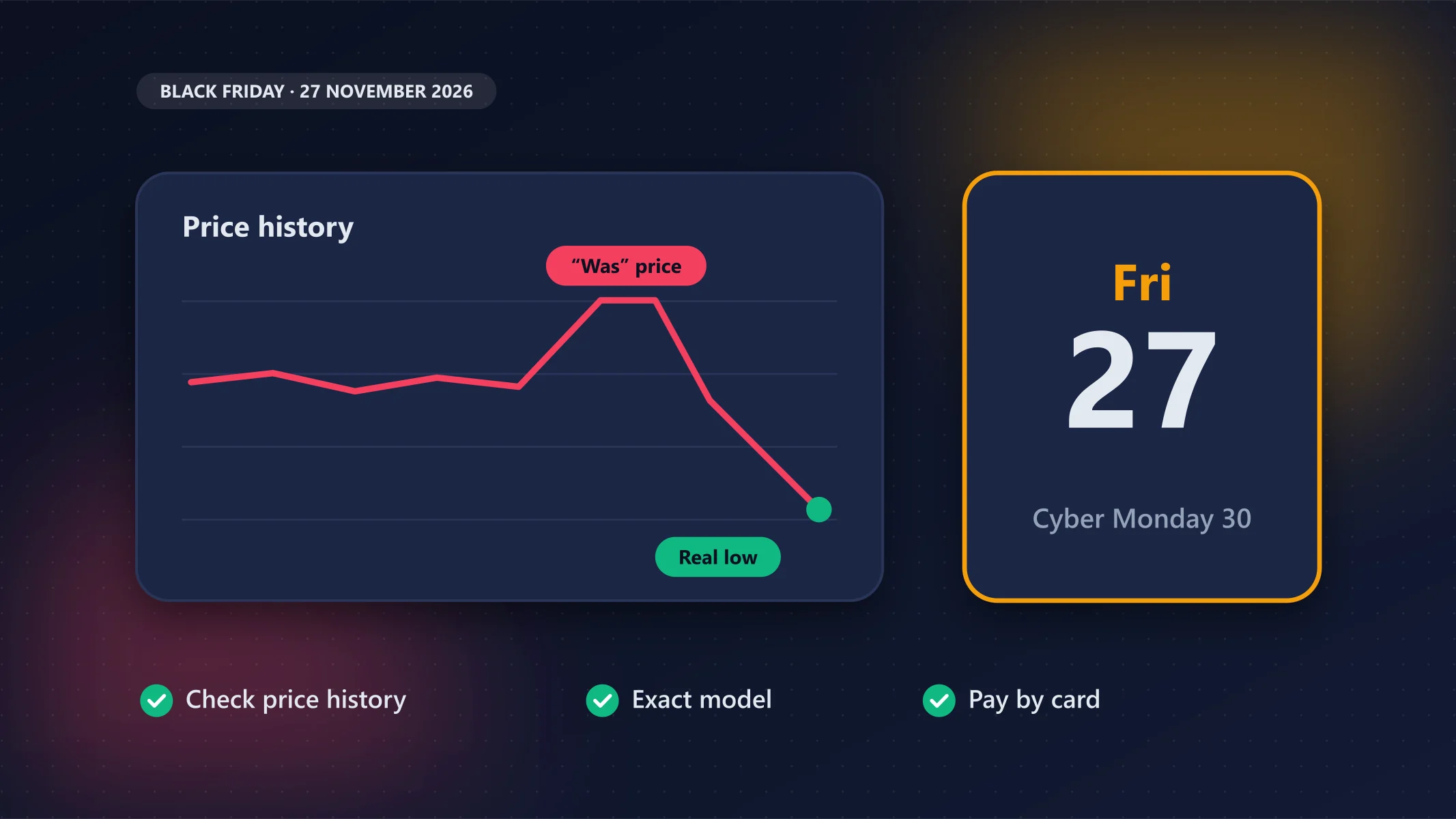
Black Friday 2026: Dates and How to Tell a Real Tech Deal From a Fake One
A Black Friday price is only a deal if the price history says so: check it with Google Shopping, CamelCamelCamel or Keepa before you buy, and pay by credit card.
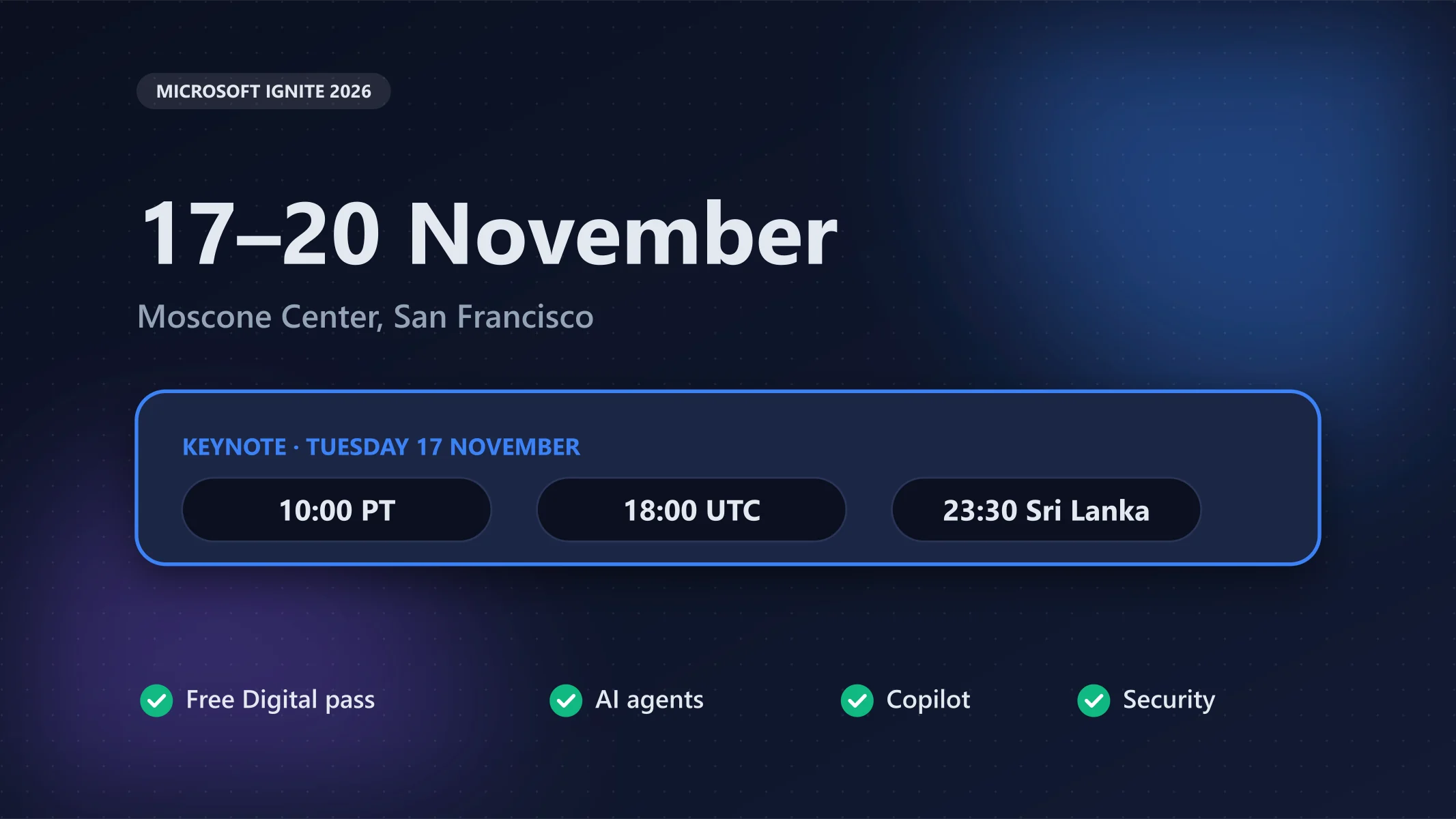
Microsoft Ignite 2026: Keynote Time, Free Online Pass and What to Expect
Register for the free Digital pass to watch the 17 November keynote live; expect most of the news to be about AI agents, Copilot and security.

Will the Iran War Raise Tech Prices? What We Know (Nov 2026)
The war adds real costs (helium, circuit-board materials, freight, energy), but the sharp device price rises of 2026 are mainly about memory, and I found no source that puts a number on the war share.